Summary
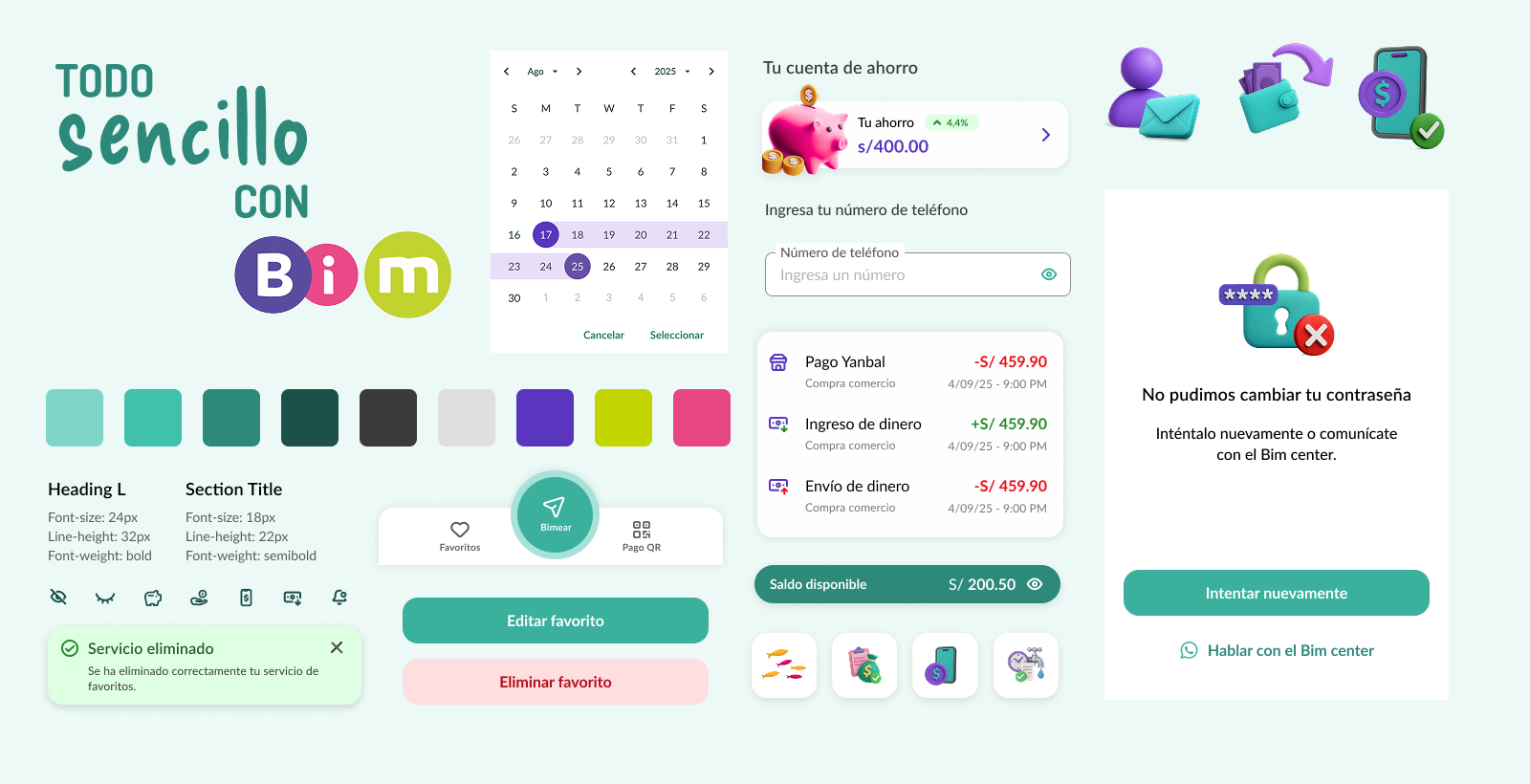
BIM is a digital wallet that lets people transfer money to others and to other digital wallets. I designed the design system from scratch, defining the visual identity, foundations, and components together with the project's UX Lead.
The challenge
Creating a solid foundation that ensured consistency, scalability, and efficiency for a team of 5 designers reworking specific sections of the app's flow.
Visual inconsistency
Preventing designers from creating different experiences within the same product.
Lack of scalability
No components or tokens had been defined for the app.
Multiple platforms
The app had to work on both iOS and Android while keeping a consistent experience.
My role
I was the product designer in charge of the Design System for the BIM app. I worked alongside the UX Lead to define the foundations, create components, and plan the DS build-out around the Product Designers involved in the project.
Strategy
Defining design principles and system pillars aligned with the business and users.
Design
Creating foundations, components, patterns, and documentation for development.
Collaboration
Ongoing work with Product Designers to ensure adoption of the system in design.
Documentation
Documentation in Figma for development.
Process
We worked iteratively with the design team, validating decisions together.
Research
Analysis of the current app, benchmarking, and business needs.
Foundations
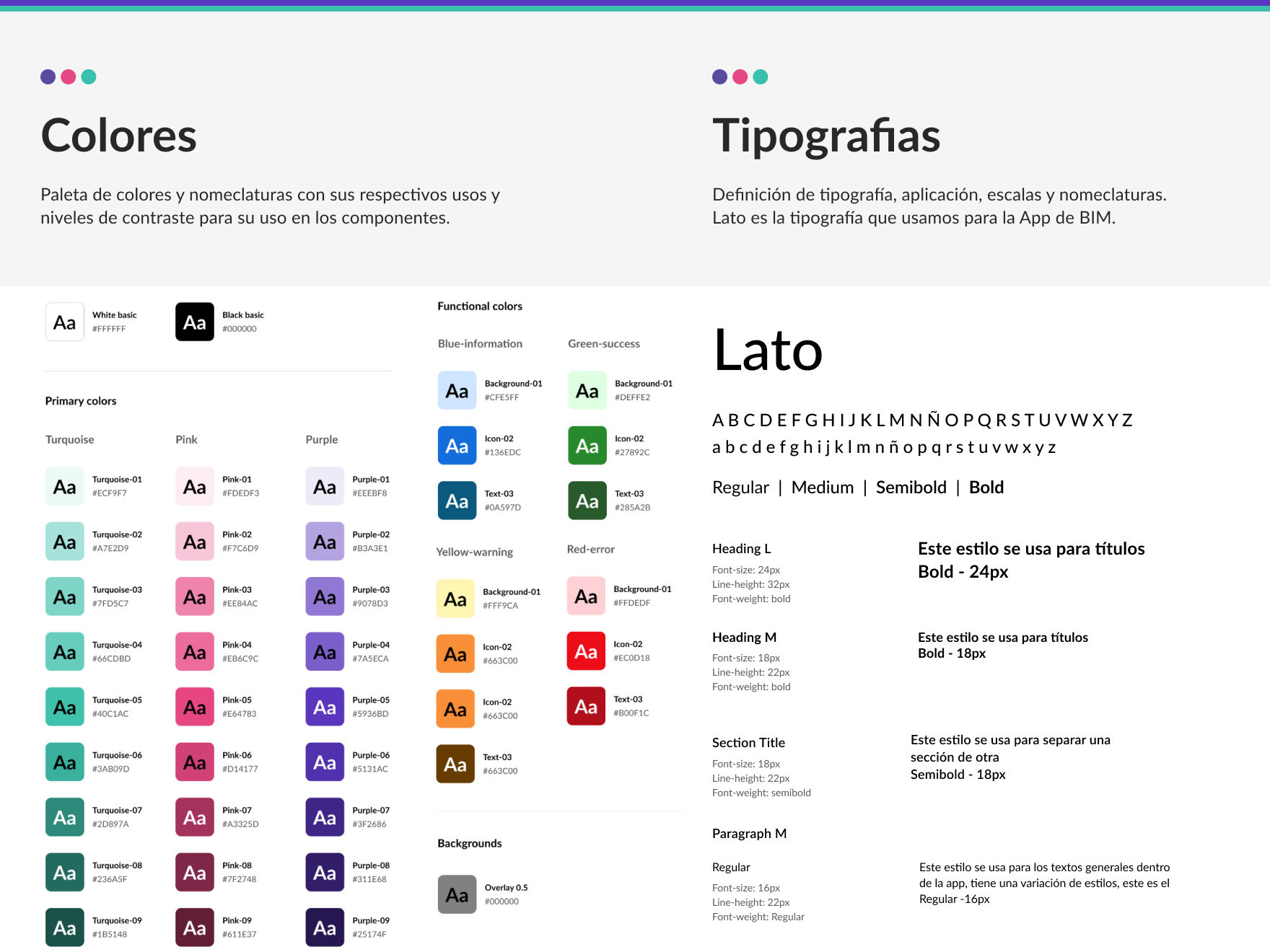
Defining colors, typography, spacing, iconography, and elevation.
Components
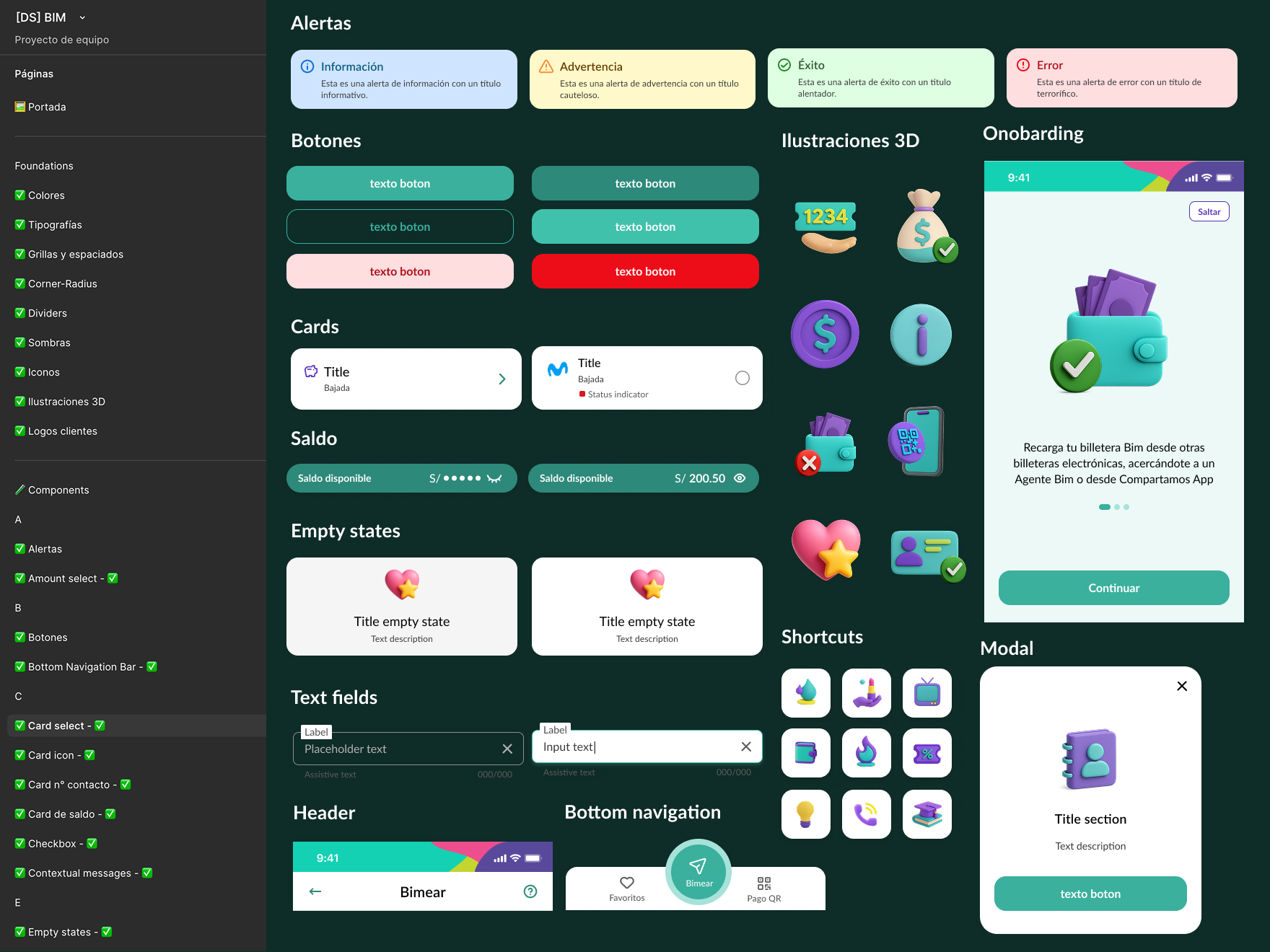
Designing reusable components and interaction patterns.
Documentation
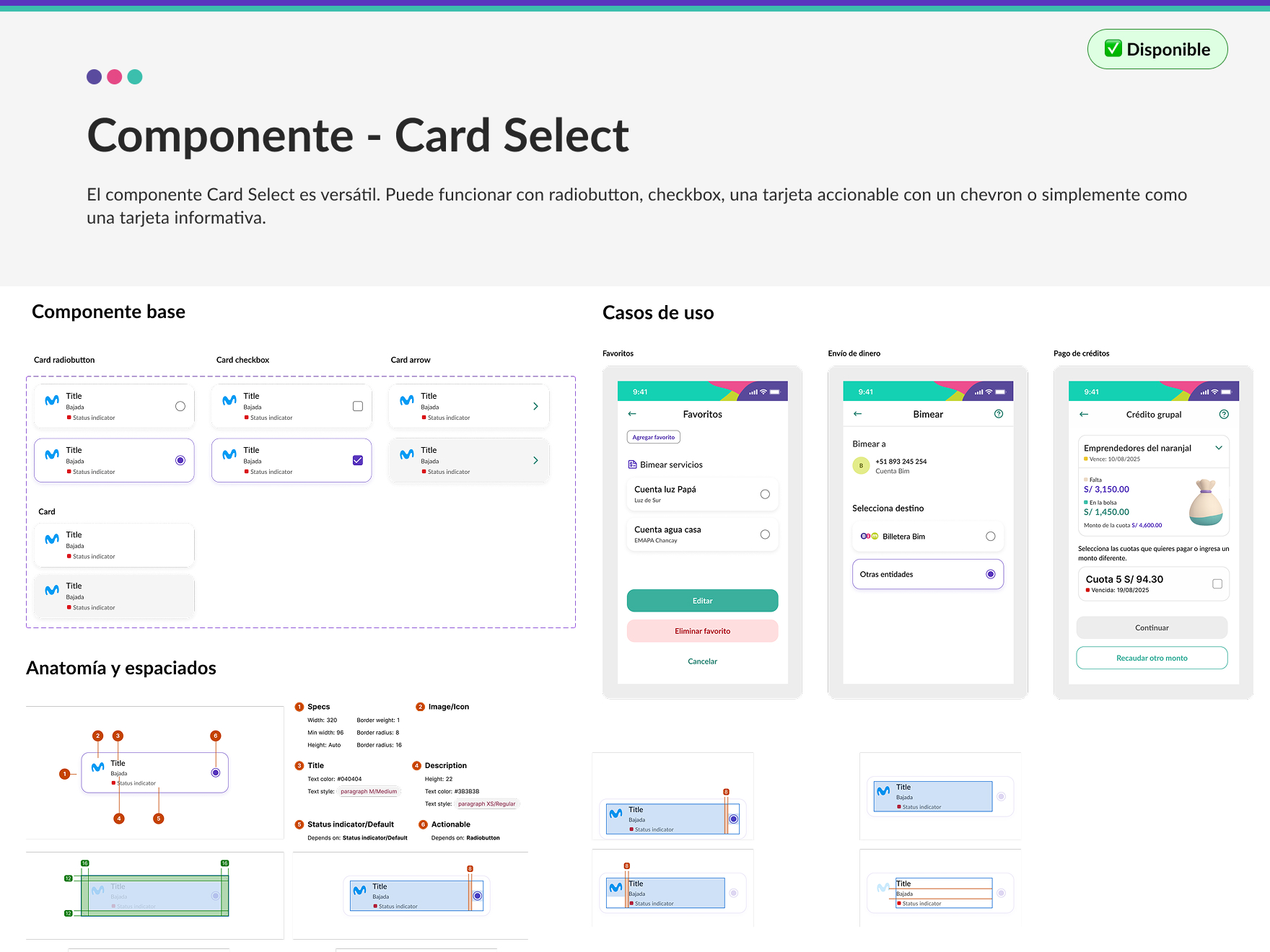
Component anatomy, spacing, and accessibility notes.
Adoption
Supporting the design team's adoption across each flow, with weekly reviews.
Solution
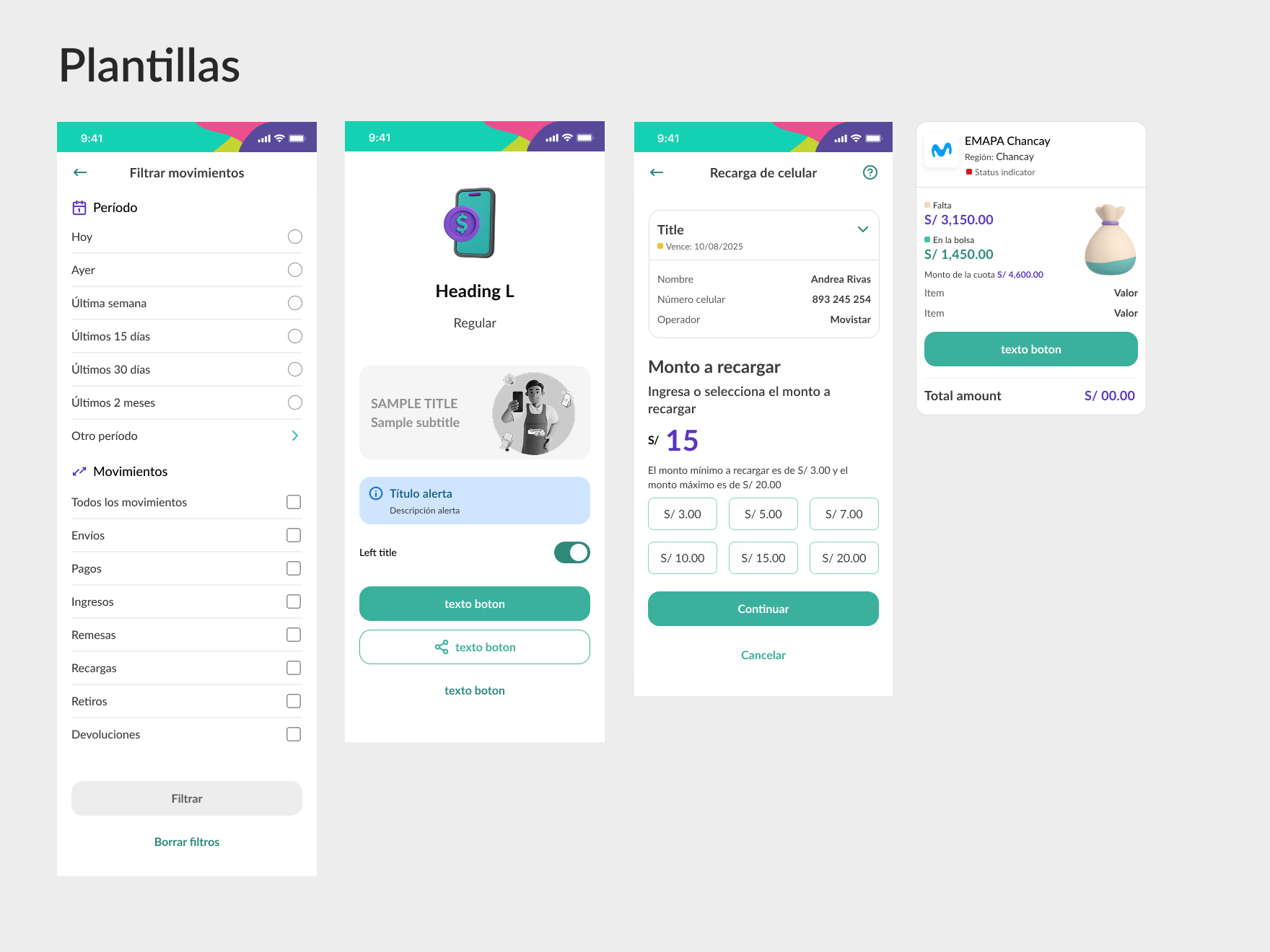
Impact
+40%
Reduction in design process times.
+90%
Component reuse across new app sections and features.
+100%
Design System adoption within the design team.
Greater
Consistency and trust for BIM users.
More projects
View all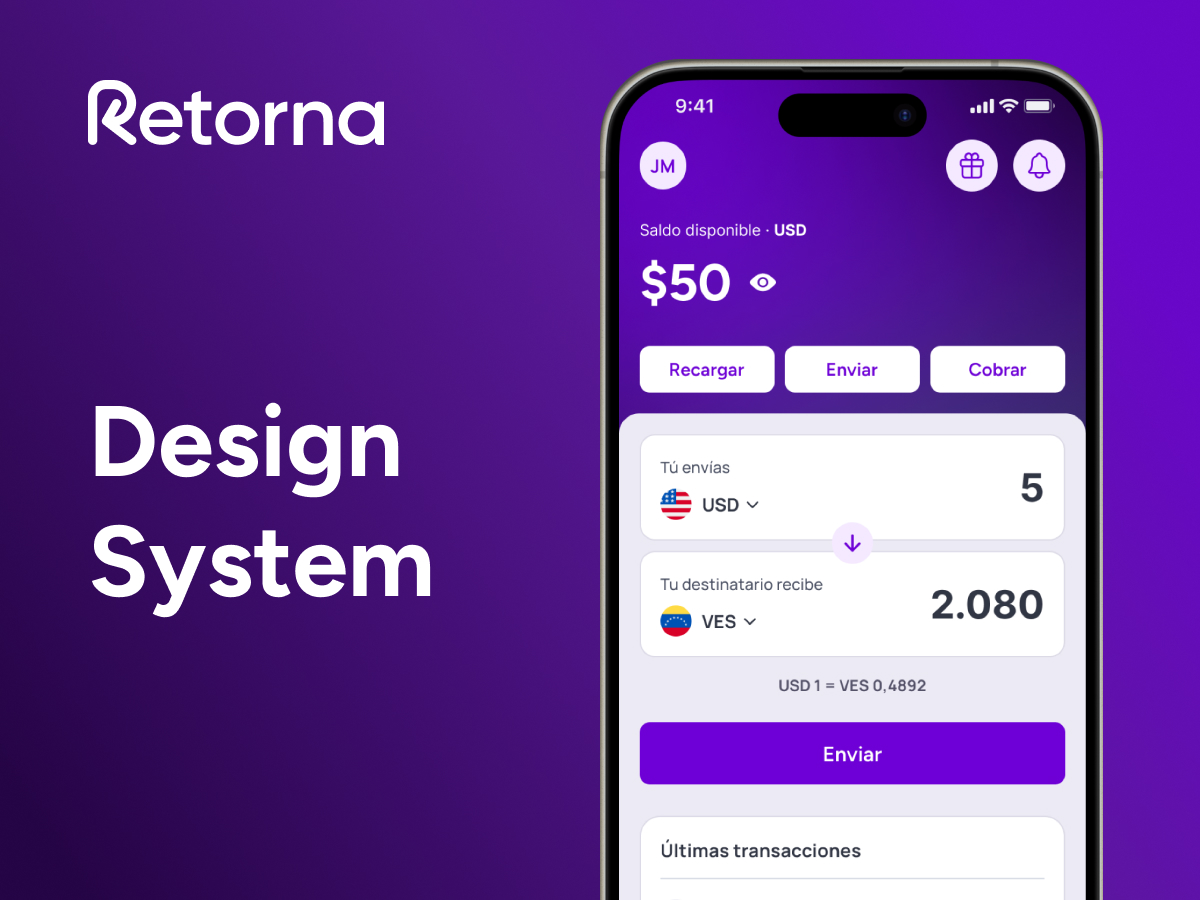
Design System · DesignOps
Retorna
I built the foundations of the design system, DesignOps processes, and new ways of collaborating between Product, Development, and Growth.
View project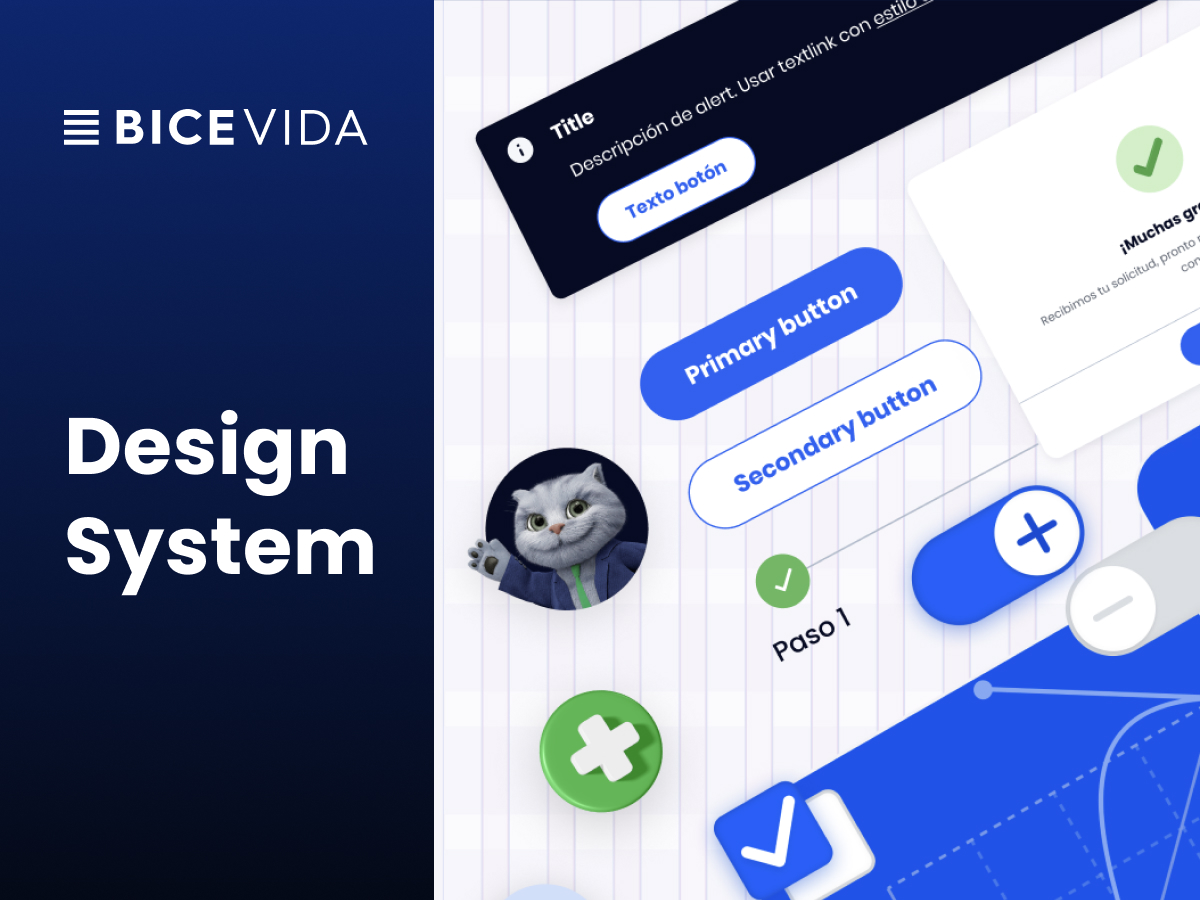
Design System
BICE Vida
I led the evolution of the corporate Design System, defining components, documentation, processes, and collaboration between Design and Development.
View project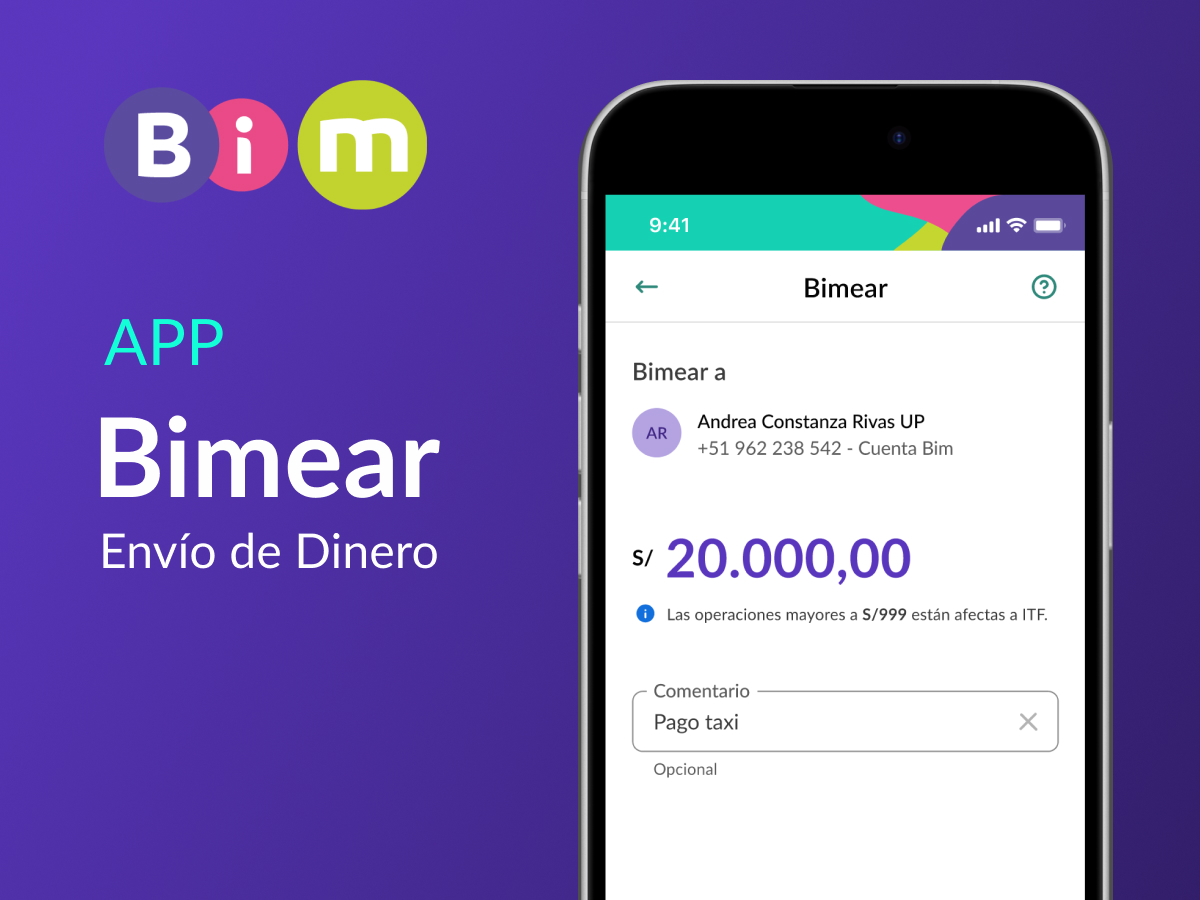
Product Design
Money Transfer · BIM App
Money transfer flow for the BIM app, from wireframes to high-fidelity design alongside the Design System.
View project